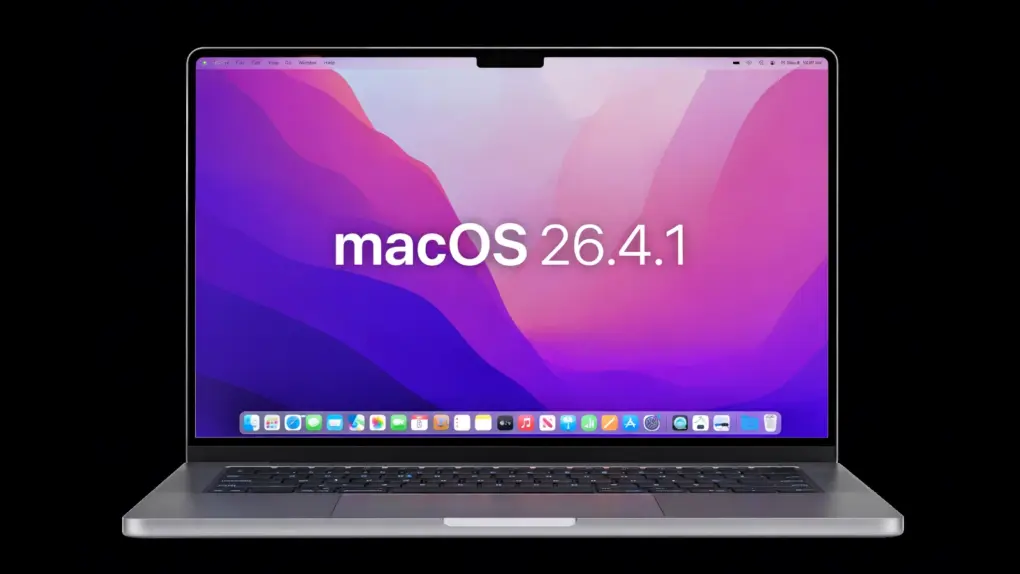
Apple on Thursday released macOS 26.4.1, a minor but essential update for Mac users running macOS Tahoe. The software arrived a day after the corresponding iOS 26.4.1 and iPadOS 26.4.1 reached iPhone and iPad users.
The update does not introduce major changes. Instead, it focuses on fixing bugs.
macOS Tahoe 26.4.1 goes on a bug hunt
macOS Tahoe 26.4 debuted on March 24. As happens so often, this has been followed a few weeks later with a patch focused on fixing glitches introduced by the larger update.
According to Apple’s official release notes, the latest patch “provides bug fixes for your Mac” — with no additional details offered. That lack of specificity is typical for smaller “.1” updates.
That said, reporting suggests the update may include a patch for an iCloud syncing bug that affects Apple devices. That issue, identified in iOS 26.4, caused data-syncing problems across apps, including Apple’s own services. The corresponding iOS 26.4.1 update addressed the bug, and macOS 26.4.1 is widely expected to bring the same fix to the Mac.
If accurate, this would make the update more important than its minimal release notes suggest, especially for users relying on iCloud for cross-device workflows.
Apple keeps macOS moving ahead
macOS Tahoe 26.4.1 arrives as Apple continues active development on the next version, macOS 26.5, which is already in beta testing.
And Apple will surely unveil macOS 27 in June at WWDC26, then launch it in the fall.
Install macOS 26.4.1 now
While there are no new features in Thursday’s version, and Apple indicated there are no security patches, “bug fix” updates like this are nevertheless recommended, particularly when they may resolve reliability issues such as syncing problems.
To download the macOS Tahoe update, go to Apple menu > About This Mac. Then click Software Update.
And don’t forget that iOS 26.4.1 and iPadOS 26.4.1 launched Wednesday.

Ed Hardy has been writing full-time about tech for 25 years, and using it for much longer than that. His intro to Apple was a Macintosh SE/30 (which he still has), but now he uses a 13-inch iPad Pro as his primary computer.
That’s because he’s a “tablet first” type of guy. Rather than use a Macbook, he connects a keyboard case to the iPad. And instead of a desktop Mac, he connects his tablet to a 27-inch display and full-size keyboard. (So don’t try to tell him that everyone has to use a Mac to be productive.)
Before coming to Cult of Mac, Ed wrote for NotebookReview, TabletPCReview and Brighthand, as well as other sites.

